How it works
1
Step
Log in to your business account
To refer friends, you need to be logged into your business account. In your business account, you will see a "refer a friend" button.
2
Step
Navigate to "refer a friend"
Click "Refer a Friend" in the sidebar. There you'll find your advocate page, where you can copy your referral link and share CheckCheck with friends.

3
Step
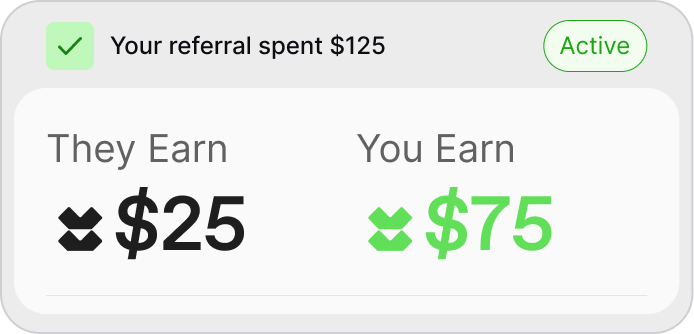
Refer a business, earn $75 in credits.
When the business you refer spends $125 with CheckCheck, you get $75 in CheckCheck credits, and they get a $25 coupon, or credits to spend with us.